.svg)
Does your OpenClaw need passwords? Here's how to keep it secure (without any headaches)
To allow OpenClaw to write invoices or handle technical tasks for you, it needs access to your systems. But beware: never copy your private passwords directly into the chat! There is a much safer way.
OpenClaw is like a new employee
Imagine you hire an assistant to work for you in the office. You would never give her your private house key, would you? You give her an office key that only opens the doors she really needs for her work.
That's exactly how we should handle OpenClaw.
The mistake: Typing passwords directly into OpenClaw
Many make the mistake of revealing their personal password to OpenClaw so that the AI can, for example, access a booking tool. That's risky:
- No control: If you change your password, OpenClaw is left without direction.
- Too much access: OpenClaw suddenly sees everything, even things that are none of the AI's business.
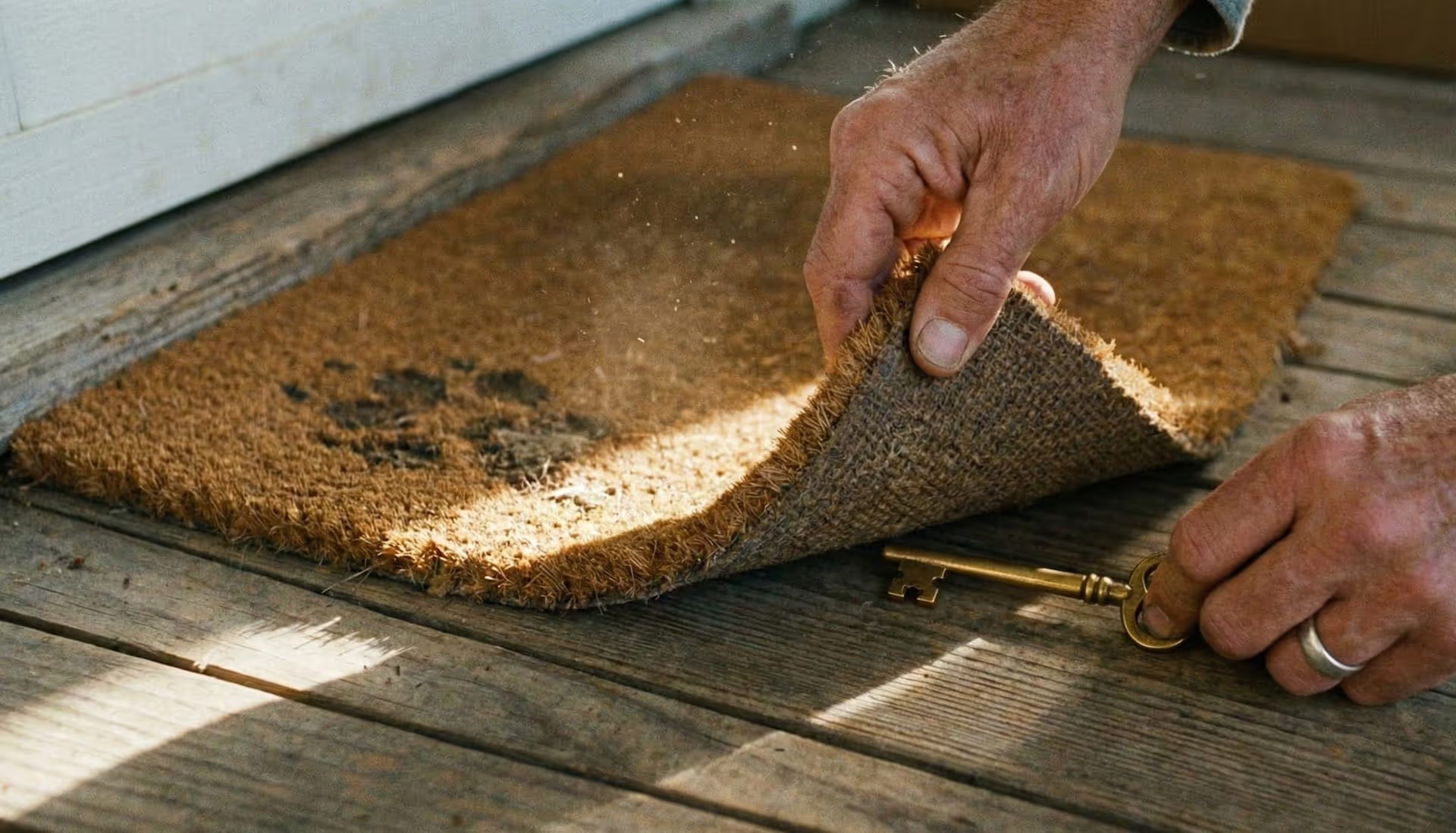
- Security risk: Passwords in the chat history are like a house key placed under the doormat.
The solution: The digital toolbox
To ensure OpenClaw works safely, professionals use a digital safe (a password manager like 1Password). It's quite simple:
- The "OpenClaw compartment": You create your own compartment in your safe, into which you only put the information OpenClaw needs for the current job.
- The "work key": Instead of revealing your main password, you create a special digital key (a so-called Service Account). This key only fits the OpenClaw compartment.
- Clean separation: OpenClaw uses this key in the background. You never have to type a password again and your private data remains invisible to the AI.
Why is this better for you?
It's more relaxed. When a project is over, you simply withdraw the "work key". Your main safe remains securely closed at all times and you have complete control over what OpenClaw is allowed to do and what not.
Want to use OpenClaw in your team but don't know how to set it up safely? No worries, we at Ahoi Kapptn! will show you how to get your AI assistants ready – without any technical chaos and absolutely securely.