.svg)
AI agents that get real work done in your company
A quoting agent that delivers a PDF in under 60 seconds. A voice agent that answers calls. We have successfully brought systems like these into production. We develop them for your workflows and run them for you.
AI agents are AI systems that work through a task in several steps, using approved data sources and tools to do so. Their value shows up in day-to-day work: fewer manual steps, traceable results and clear accountability.

What is an AI agent, and what types are there?
An AI agent is a software assistant that uses a language model to work on tasks, call the right tools and act within defined limits. A chatbot mainly answers questions. An agent can also retrieve data, create a draft or log a case in the CRM. With AI agents, you decide which data and actions are allowed.
Knowledge agent
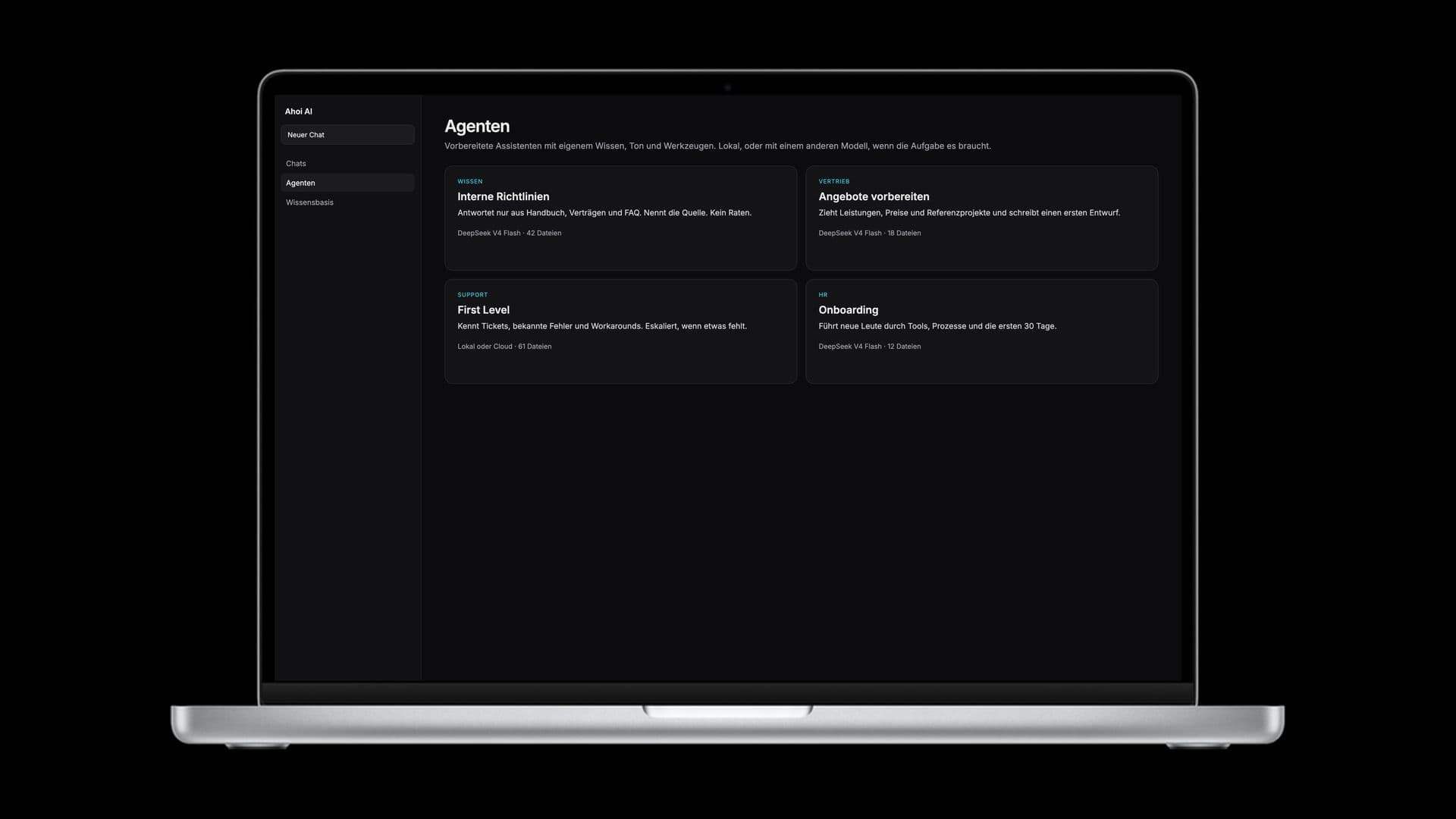
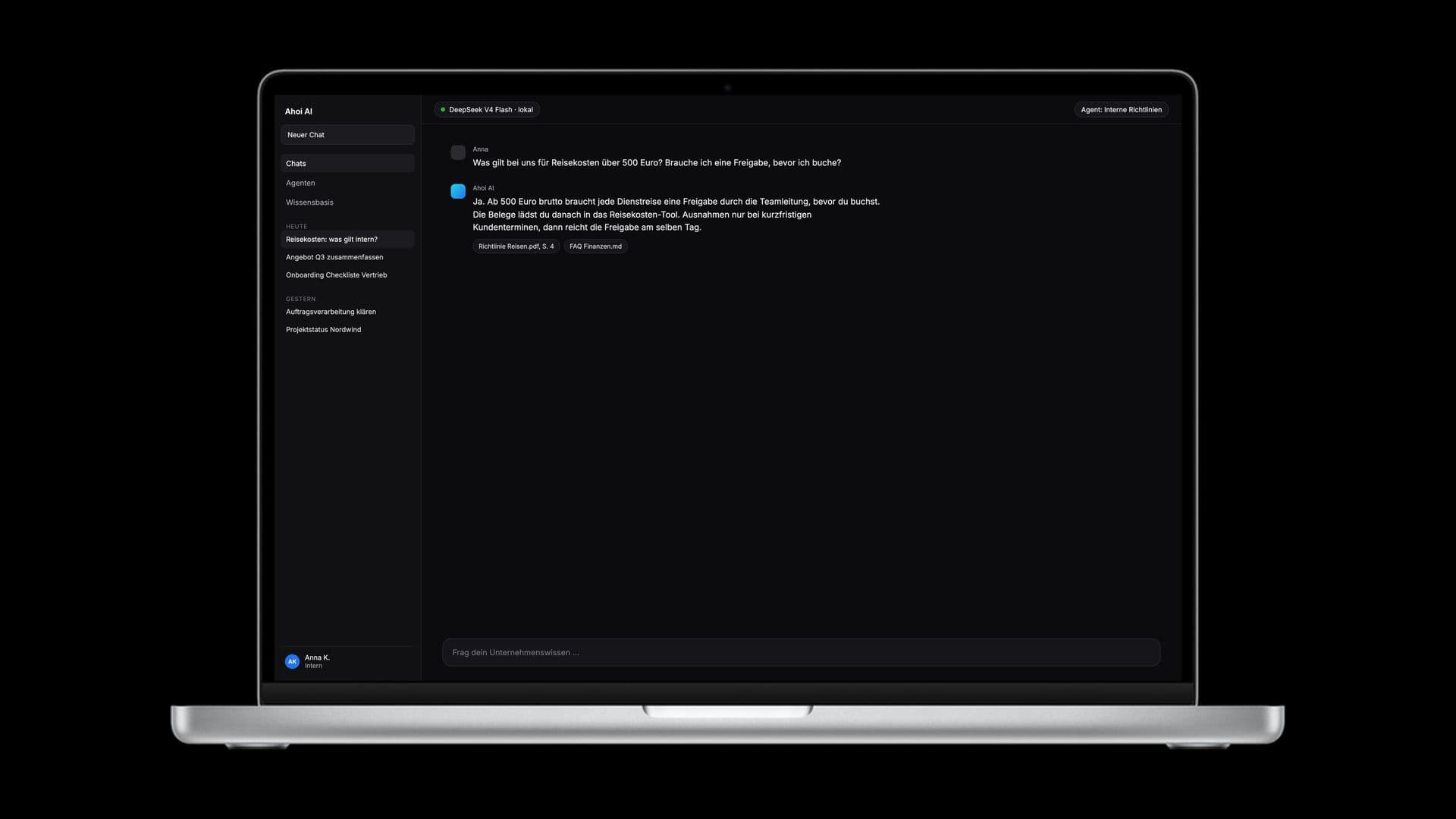
It searches manuals, policies or service reports and answers questions with source references. This helps when employees need knowledge that is spread across several repositories.
Process agent
It connects work steps across several systems. For example, it checks an inquiry against previous quotes and prepares a draft quote for review.
Voice agent
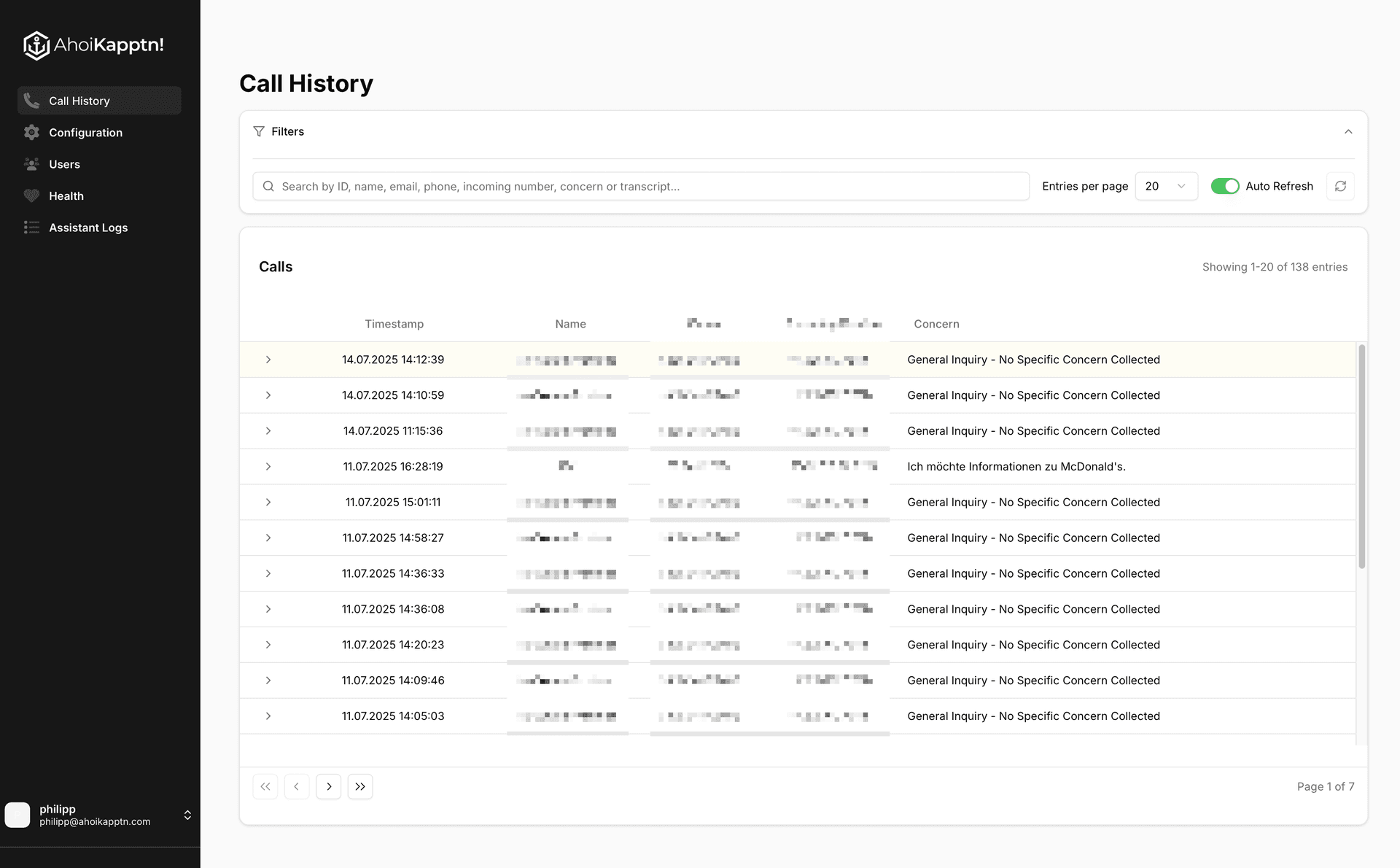
It answers calls, clarifies what the caller needs, and then responds, transfers the call or logs it. That is exactly what we built our voice agent Toni for and brought into production.
Data agent
It reads approved data from systems such as your ERP and prepares analyses. Your team can query open orders without building a new report for every question.
Multi-agent systems
Several specialized agents share a task, such as research, analysis and drafting. This architecture needs clearly defined handovers and is only worth it if splitting up the work improves the process.
To see how agents fit in with our other services, take a look at our overview of AI for businesses.
AI agents in production: quotes in 60 seconds, Toni and support
We have successfully brought agents for quoting, phone and support into production, with connected systems and human oversight.
Quotes in under 60 seconds
In sales, putting together a quote takes manual work. The agent we built for this creates project specifications, compares previous quotes, estimates the effort and generates a complete quote PDF in under 60 seconds. The tools it needs are connected via MCP. The PDF lands in the CRM, where a person in sales reviews and approves it.
Together with other MCP workflows, this saves around 100 hours of manual work per month in sales and administration. Our hands-on report on MCP describes the process.
Toni: handling and handing over calls
Toni understands requests such as project enquiries, support, invoices and callbacks. He answers questions, forwards calls or logs the request in the connected system. We developed the prompts, routing, integrations and dashboard ourselves.
The architecture combines gpt-realtime, Twilio and an MCP layer. Call Toni at +43 677 61279177 and see how a voice agent handles a real request. For the job platform Just Jobs, a support agent is in use: it answers recurring questions and passes anything it isn't sure about to the team.
How the architecture works
An agent connects a language model with knowledge and tools; permissions, approvals and monitoring limit what it can do.
- LLM: The language model processes language and suggests next steps. It does not replace reliable company data.
- Tools via MCP: The Model Context Protocol connects the agent to approved functions, such as a CRM query or creating a document. Access rights are defined separately.
- Knowledge base and RAG: A search delivers relevant excerpts from your documents to the model. RAG stands for retrieval-augmented generation: answers are enriched with the information found.
- Guardrails: Rules limit permitted actions and check inputs and outputs. If information is missing, there has to be a defined stop or handover.
- Human in the loop: A person reviews defined results or approves actions with significant consequences before the process continues.
- Logging: Logs make tool calls, sources used and approvals traceable. Scope and retention depend on the use case.
- Monitoring: Ongoing monitoring shows errors, response times and costs. We use it to improve operation.
If your data has to stay inside your company network, local AI on your own hardware is an option. There, the language model, search index and agents run without external API calls.

When an agent is the wrong answer
An agent is not the right fit if fixed rules reliably solve the process, or if data, permissions or owners are missing.
A clear if-then process often only needs classic automation. If it is purely about answers from documents, a knowledge chatbot may be enough. For infrequent tasks, the integration effort can outweigh the benefit.
If a system is supposed to make consequential decisions without review, we have to limit its remit and build in an approval step. That's why we look at the process first: What takes time today, which errors are tolerable, and who steps in when there are exceptions?
The right starting point depends on your process
First, we clarify whether you need an agent, a fixed workflow or a knowledge chatbot.
AI agent development
With AI consulting, you prioritize the use case and clarify data access, value and limits before implementation begins.
Recurring workflows
For fixed work steps, we assess automation with or without a language model. An agent comes in when flexible tool selection makes sense.
Answers from your knowledge
For questions about internal documents, we develop chatbots with a knowledge base and source references. If needed, this can evolve into an agent that takes action.
From the first task to live operation
We start with a narrowly defined use case and a reliable plan for scope, timeline and budget.
After the free, non-binding intro call comes a compact fixed-price discovery. It clarifies data sources, interfaces, approvals and the measurable goal.
Implementation runs as a monthly team retainer, with costs known in advance and a flexible scope. The same experienced team supports development and operation. Philipp Jahoda, CTO and co-founder, is responsible for the AI systems we put into production for clients. Behind this is Ahoi Kapptn!, with 20+ people and 13+ years of delivery experience.
Agents in action
Agents we have brought into production: they create quotes, prepare invoices and answer calls.
Related services
Frequently asked questions about development and operation
They search for information, cross-check data and create drafts. A quoting agent we built generates quote PDFs in under 60 seconds; sales reviews and approves them. We work out the value for your company based on your process.
The effort depends on interfaces, data quality, approvals and operating requirements. After the free intro call, a fixed-price discovery produces the plan for scope, timeline and budget. We bill development as a monthly team retainer; model and infrastructure costs are factored into the budget.
That depends on how clearly the task is defined and which data and interfaces are available. In the discovery, we plan the implementation and the checks needed before launch. A narrowly scoped first use case keeps the scope manageable.
We clarify data types, access rights, logging and human approvals for the specific use case. EU hosting and operation on your own hardware are options. We address GDPR and EU AI Act requirements in the concept, together with the people responsible on your side.
Ahoi Kapptn! supports the operation of the systems we develop. Together with your IT team, we define responsibilities, monitoring, updates and how incidents are handled. As CTO, Philipp Jahoda is responsible for our AI stack.
Bring a specific workflow, typical inputs and the desired outcome to the intro call. Together, we check which data sources are accessible and who should approve results. After that, you can commission the compact discovery.
Ahoi Kapptn! has offices in Linz and Vienna and also works remotely. We coordinate on-site meetings with you and your IT team.